Cloud Backups
Create secure backups of your project and work across multiple machines with ease!
Another way to enhance your workflow with Local
Using our native Cloud Backups feature, you can save a copy of your projects with just a click! Work across multiple machines and keep your projects stored with Cloud Backups.
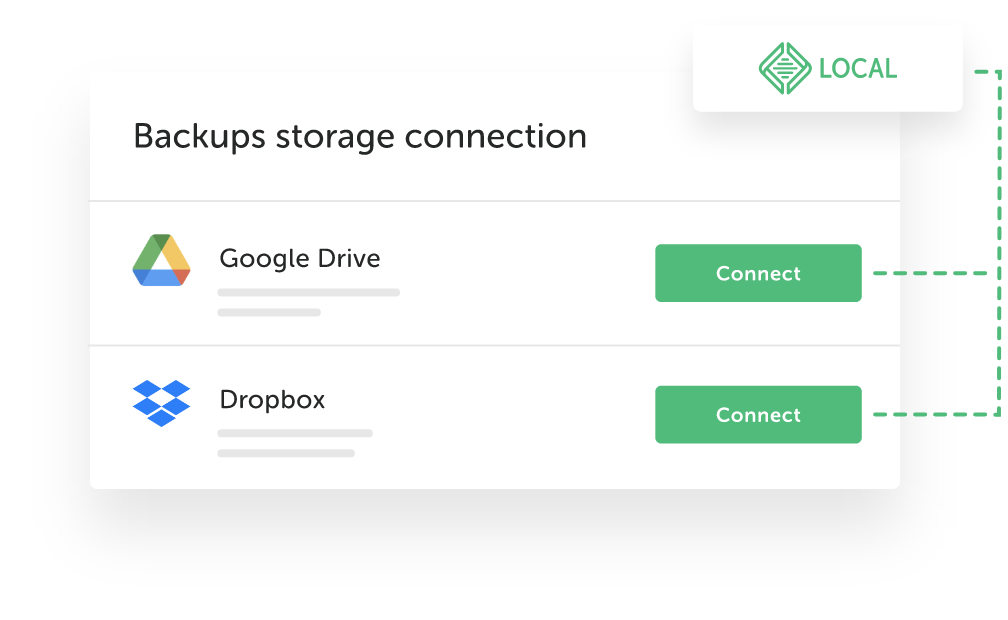
Connect to the cloud
Cloud Backups allows you to connect to your existing cloud storage provider such as Dropbox or Google Drive.
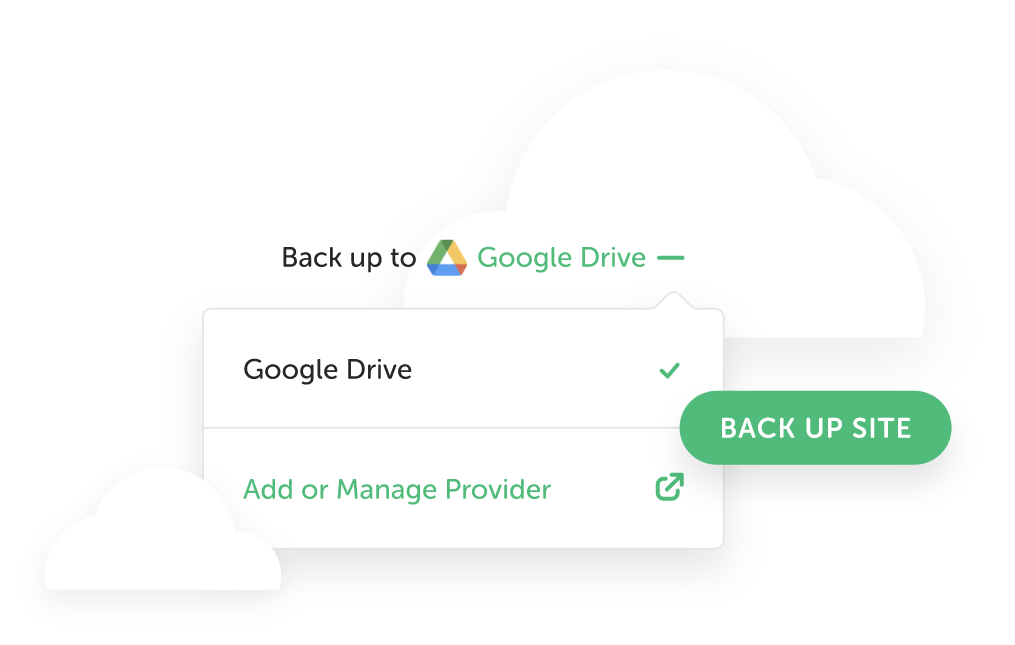
Backup at any time
As soon as Cloud Backups is linked to your cloud storage account, you can start! With each backup, all data belonging to your project such as files, directories, and databases are stored in the cloud.
Work from anywhere
Retrieve your backups at any time with any computer with Local installed. This allows you to work seamlessly across multiple workstations with the most up-to-date version of your project!
FAQs
The high-level details about the Cloud Backups feature
- How do I get started?
-
Making your first backup is easy. Connect to your cloud provider from either the Connect tab or inside Preferences > Connected accounts. Once connected, you'll be able to take a backup from your site's overview! Check out this help doc for a walkthrough.
- Wasn't this previously a Local add-on?
-
Yes, prior to the Local 10 release, Cloud Backups functionality was only available via an add-on from our Add-on Library. Starting in Local 10, we added all of that functionality into the app - and added some highly requested features too!
- Does the Cloud Backups feature automatically take backups of my site?
-
Not at this time, but it's something we're looking for feedback from our users on. Currently, users can initiate a backup through the Backups interface at any time and as often as you'd like.
- How does it work?
-
Our Cloud Backups feature leverages Restic to take incremental backups of your site. What is stored in your Drive/Dropbox folder won't look very human-readable; don't worry, you can easily download a .zip file of your backups at any time from inside the Local UI.
- To confirm, Cloud Backups is a completely free feature of Local?
-
That’s correct! This feature is native to the application and enabled for all Local users. As long as you have a cloud storage provider with some open storage, you're good to go!
Looks like you're on a mobile device!
Local is only available as a desktop application, but no worries! Just enter your email in the box below and we'll send you a little reminder to download it via your desktop.
Thanks! Check your inbox for a link to download Local on your desktop.